Loading article...
Why I Tried Keploy#
As someone who's spent way too much time writing API tests manually — copy-pasting curl commands, duplicating requests in Postman, and trying to replicate frontend calls — the idea of AI-powered API testing sounded amazing.
I had already explored Keploy’s CLI-based platform (which I found quite solid), so when I saw they had a Chrome extension to capture API calls on live websites, I decided to give it a try.
What I Tested#
For this experiment, I tested Keploy’s extension on two well-known, API-heavy websites:
- Wired.com — Tech articles, dynamic homepage, content API calls.
- YouTube.com — Autocomplete, infinite scroll, video metadata APIs.
These sites both load lots of dynamic data via background API calls — perfect for testing how well an automated tool can capture those endpoints.
The Setup Process#
Getting started was pretty straightforward:
- Installed the Keploy Chrome Extension from the Chrome Web Store.(Not available at Chrome store yet, directly use from github repository.)
- Opened the DevTools > Keploy tab.
- Clicked Start Recording and browsed the websites.
On paper, it sounded like magic: capture all API traffic, automatically generate test cases, and replay them without any scripting.
What Worked#
The platform idea is solid — Keploy does a good job of capturing basic API calls and displaying request-response data clearly. It caught:
- Article feed APIs from Wired
- Video list and recommendation calls on YouTube
- Some search-related APIs
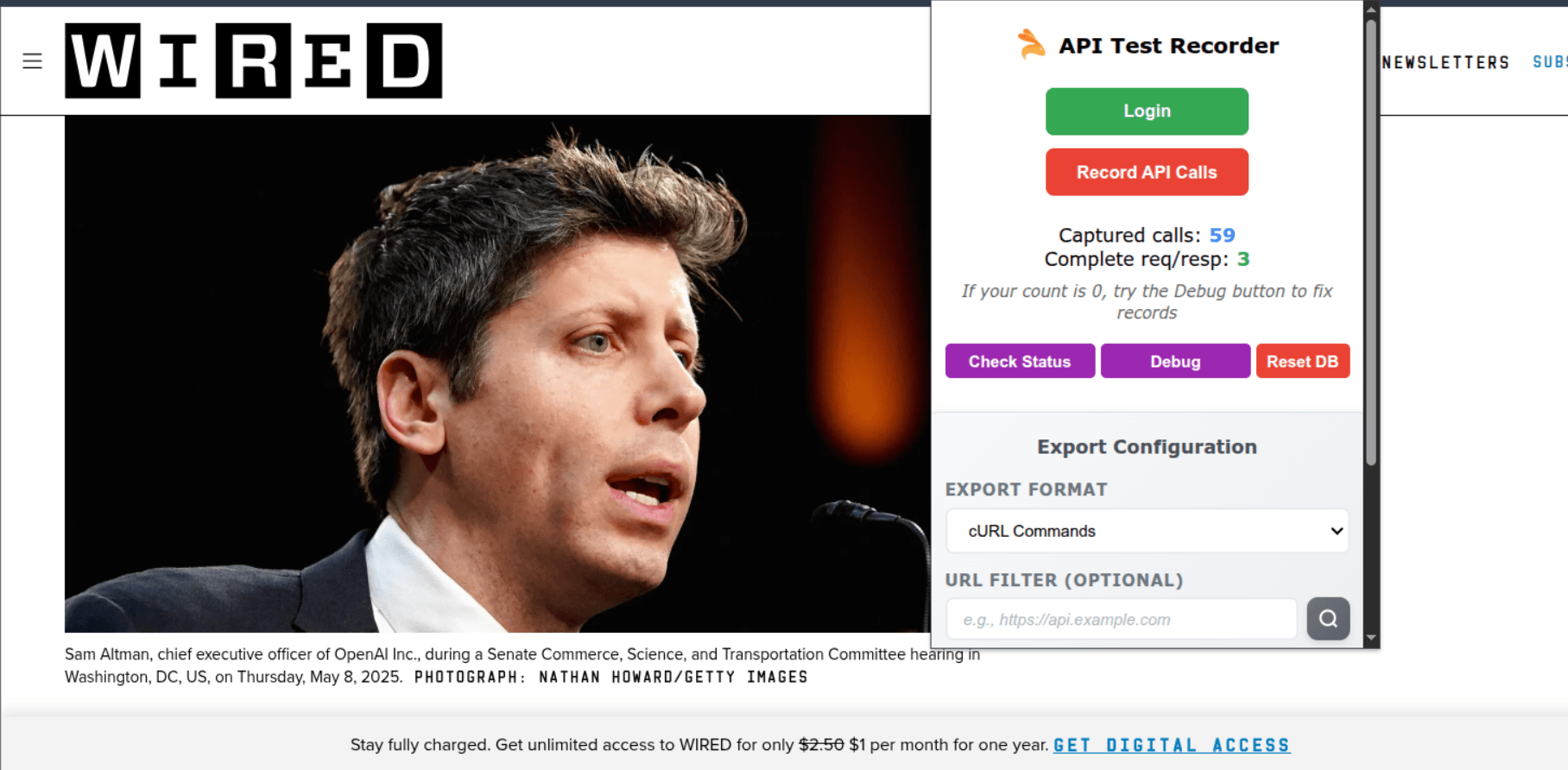
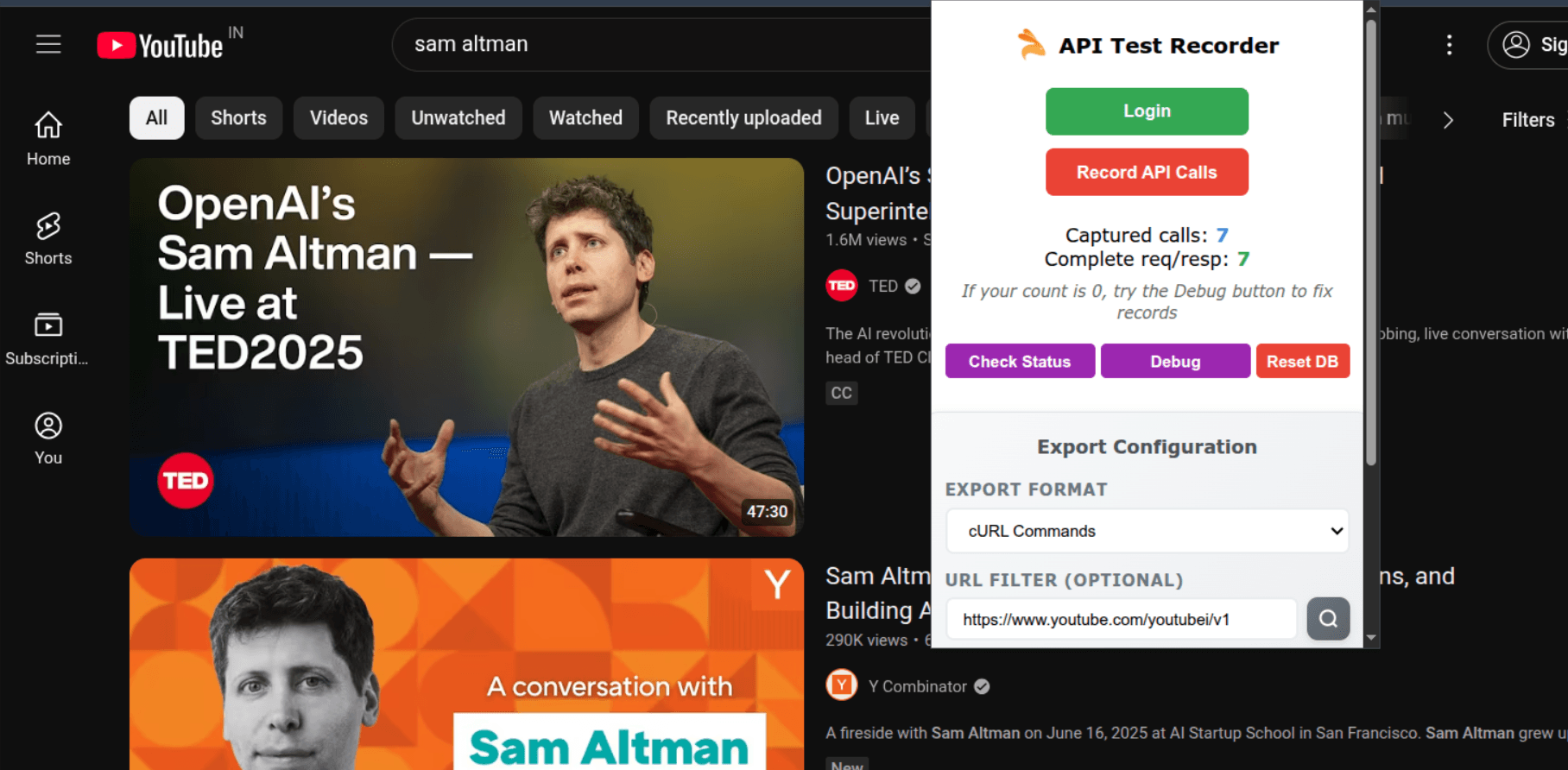
No code required — I didn’t need to worry about curl commands or so much.
Replay feature works — I could resend some captured requests and verify consistency.
But Here's What Fell Short#
Despite the promising concept, the Chrome extension experience didn’t live up to the platform’s potential.
The Extension Was Unstable
- It froze mid-session more than once, especially while testing Wired.
- I had to restart recording multiple times.
- Sometimes it captured partial API data or missed calls altogether.
Limited UX#
- UI is pretty basic and unintuitive.
- No clear feedback if something’s not being recorded.
- Lacks polish compared to tools like Postman or Chrome’s built-in Network tab.
My Honest Take#
The Keploy platform itself is promising — especially the CLI tool for local testing and CI/CD integration. But the Chrome extension needs serious improvement before it can be considered production-ready for testers or devs who want seamless browser-based API testing.
That said, I appreciate what Keploy is trying to do. The idea of AI-first API testing — recording real traffic and turning it into test cases — is incredibly valuable. I hope the extension catches up with the platform's vision.
Final Thoughts#
Keploy is a great platform with real potential, especially in automation and AI-driven testing. If you're testing local APIs or want to integrate API testing into your CI/CD pipeline, Keploy CLI is worth a look.
But if you're expecting a polished experience from the Chrome extension alone — be prepared for some rough edges.
What’s Your Experience?#
Have you tried Keploy or another AI-powered testing tool? Let me know your thoughts — especially if you’ve found a stable Chrome-based API testing extension that works better.